Multilanguage Page Tags
From the left Navigation bar select a page and right click on the page, then select "Add/Edit Data Tag".
Highlight and tag elements of your page with Tags and generate a Data Fragment table which can them be used to translate and target the page to languages
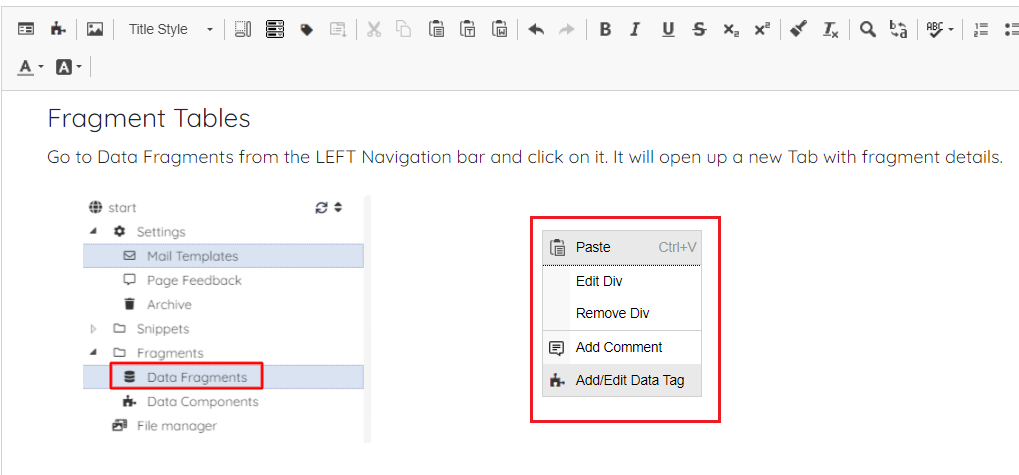
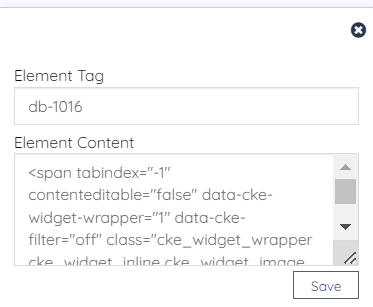
A page will appear like below:
Now go to the Fragments from the Left navigation bar and select Data Fragments. Select the language icon as below:
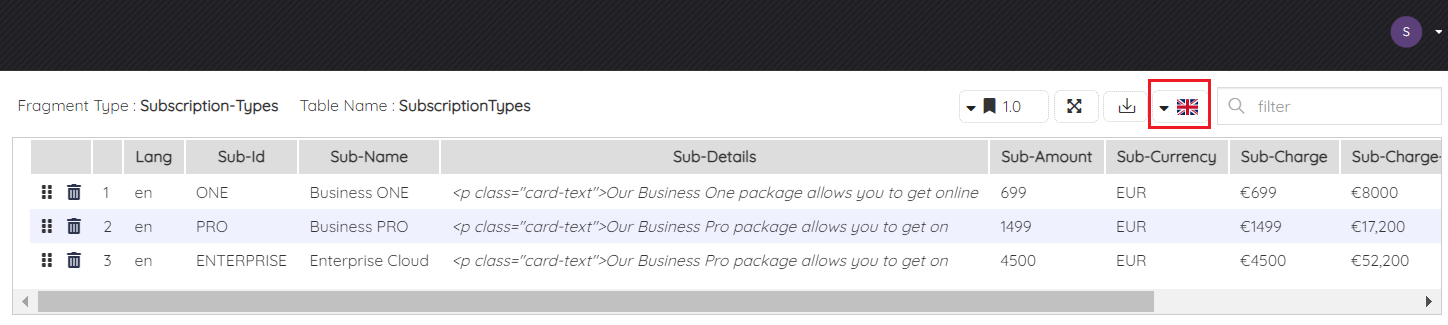
Now select any language and click on Save button.
